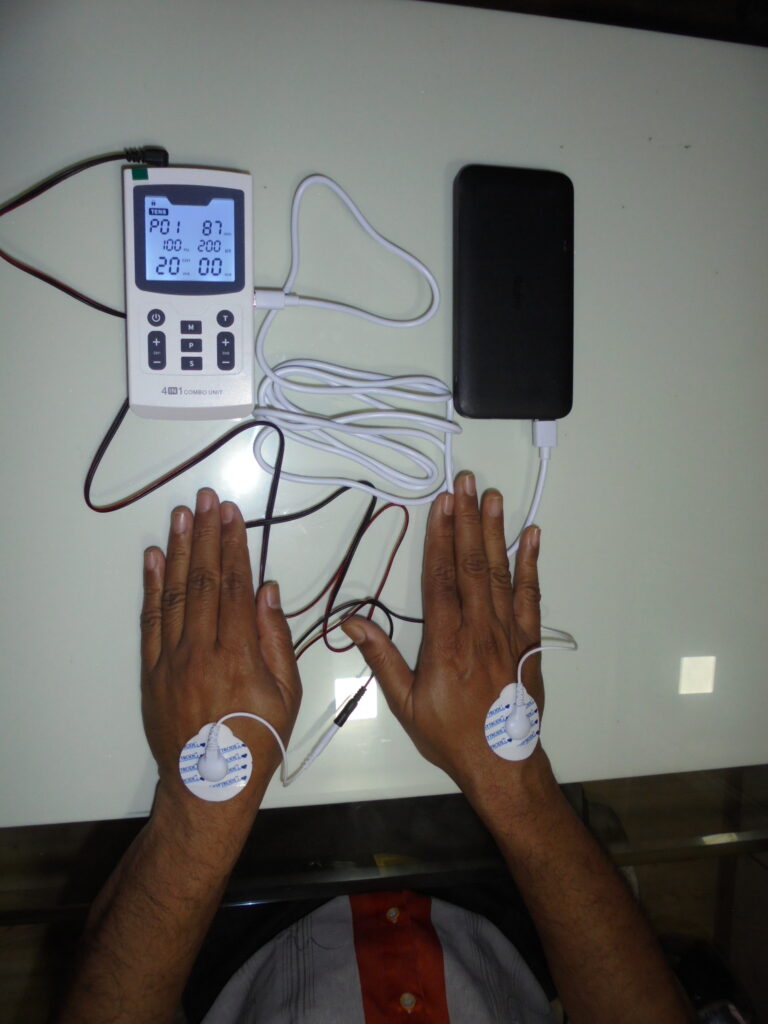
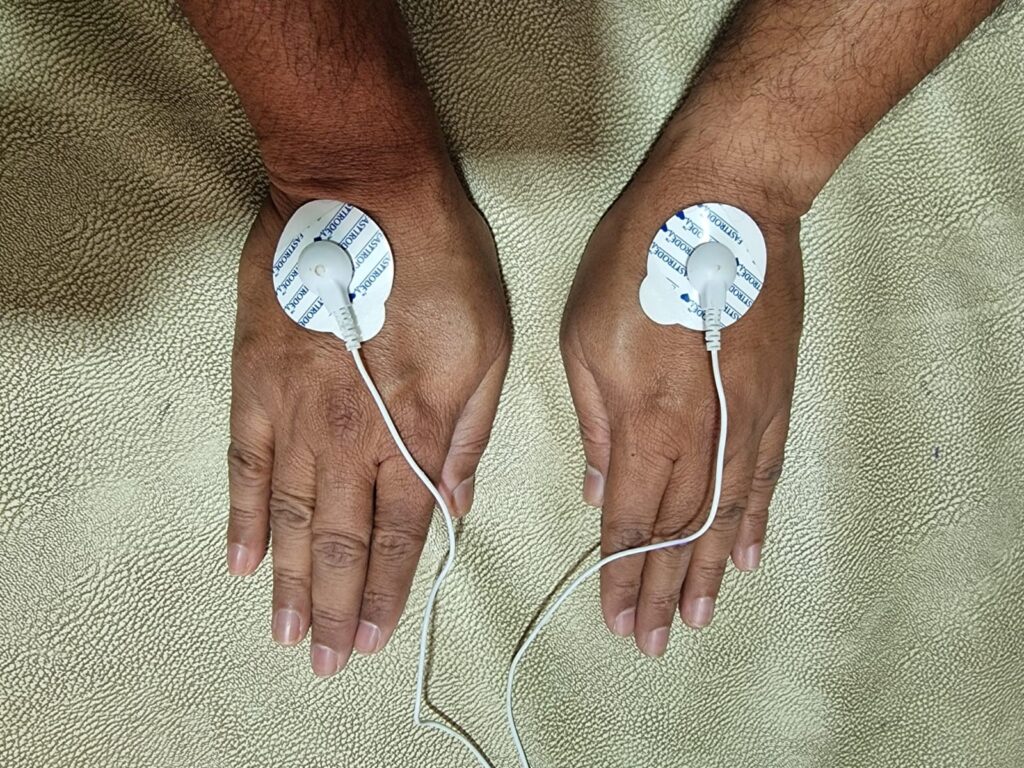
Connect the powerbank to the device with a USB cable supplied as shown in photo below. Poer on the device by pressing power button. Connect the red and black cable to one of the 2 outputs of the machine. Both are same and alternatives of each other. Connect 2 white short cables to red and black cable ends. Connect the ends of short white cables to the back of ECG electrodes. Place ECG electrodes over veins of hands as shown in photo below. Select mode as TENS by pressing M button. Select frequency as 100 Hz. Select time as 90 minutes by pressing T button. Increase intensity after connecting electrodes to 20-40 till you can bear the burning sensation. Disconnect after 90 minutes. Use new ECG electrodes every time.
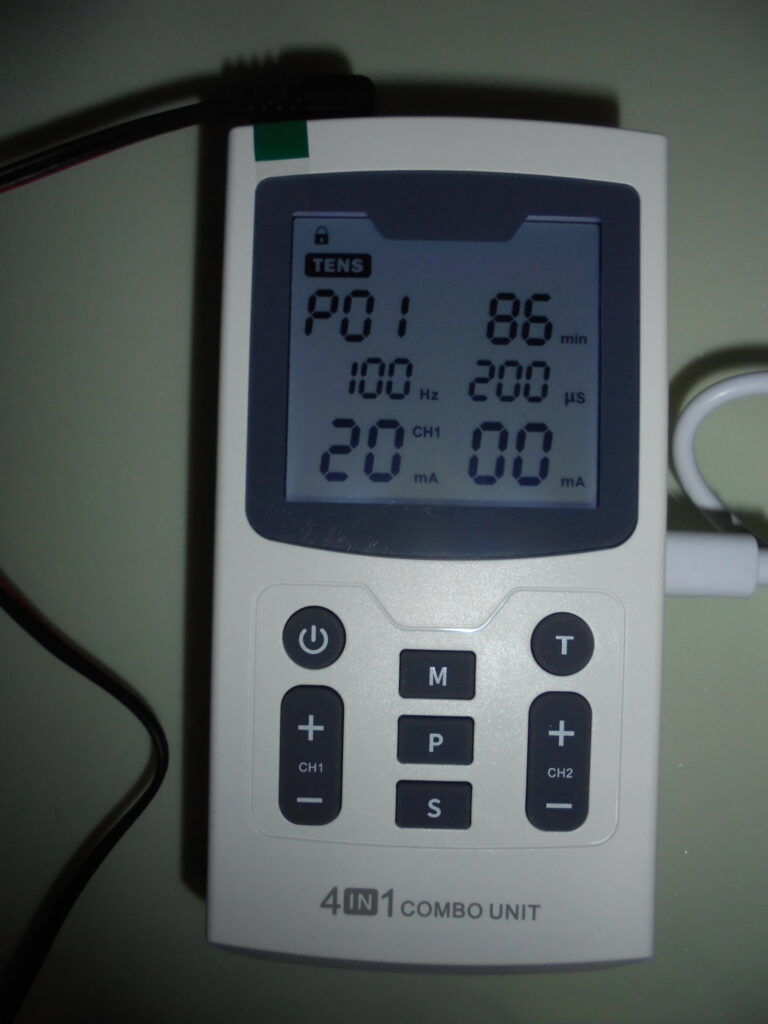
Summary: Mode-TENS, Frequency: 100 HZ, Duration: 90 minutes twice a day for acute infections and twice a week for chronic infections, Intensity 20-40